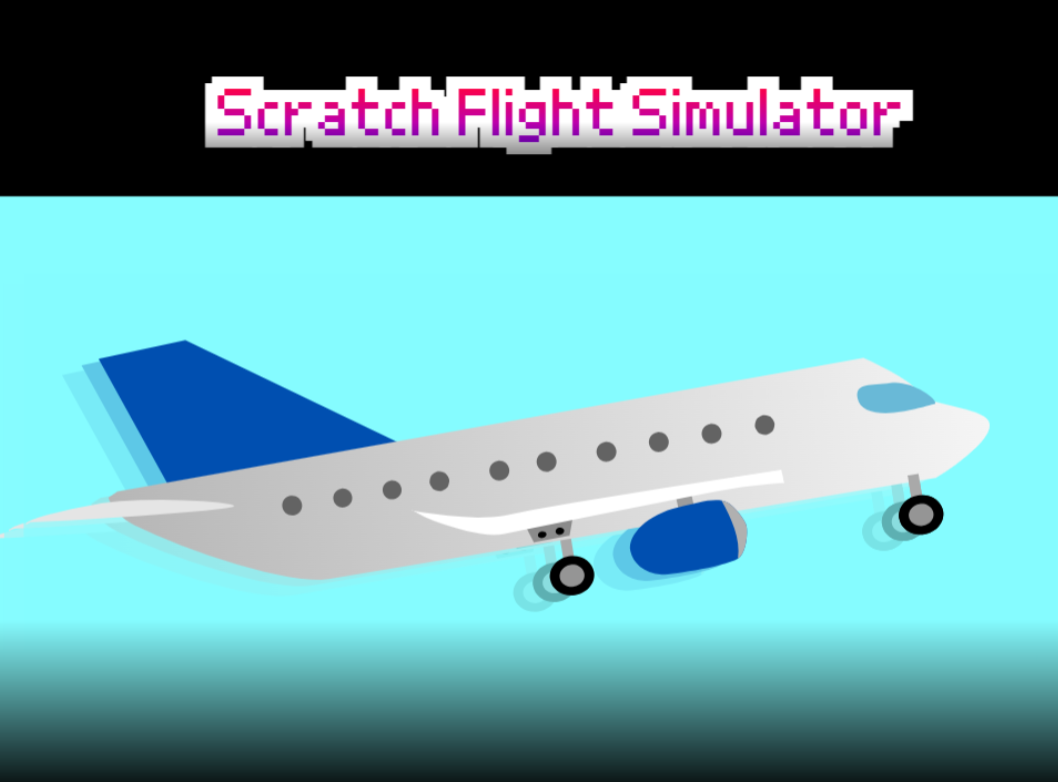
Scratch Flight Simulator
I created this for fun on November 4th.
Play on Scratch if you want:
https://scratch.mit.edu/projects/1242707793/
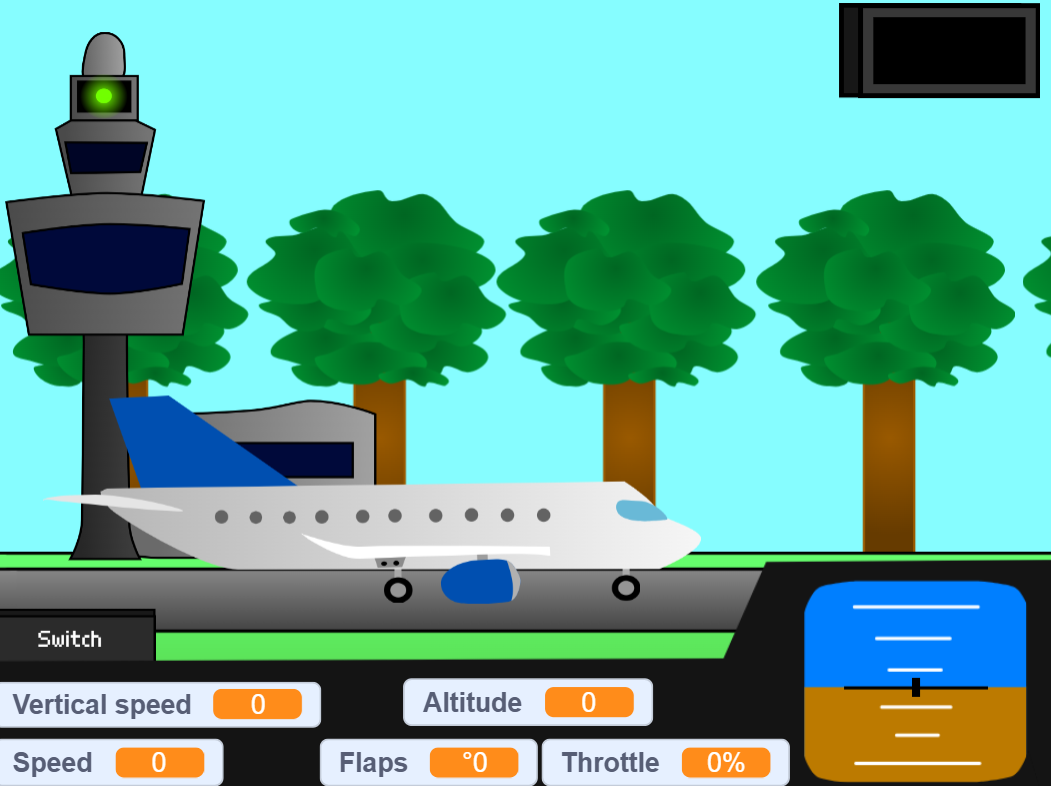
Controls:
B key - increase the throttle
G key - decrease the throttle
Left or right keys - change the pitch of the aircraft
F key - extend flaps
D key - retract flaps
The I key - opens the menu unless the key is released
Instructions:
Press the start button to start the game.
Press the settings button to access the settings menu and change options, such as the GPWS volume toggle or aircraft liveries, as needed.
Press the crashes button to look through the list of aircraft crashes.
Click the switch button on the aircraft UI and click the landing gear toggle to up after the airplane takes off.
Press the I key and click the "Reset" button after crashing
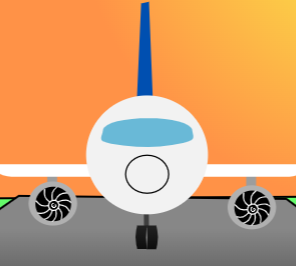
Note: The aircraft liveries are from fictional airlines because I don't want to get in trouble
Development log
- The crash physics and the GPWS was fixed41 days ago
- New livery on Scratch Flight Simulator! It's Cool air75 days ago
Leave a comment
Log in with itch.io to leave a comment.