3D Maze Maker
Welcome to 3D Maze Maker!
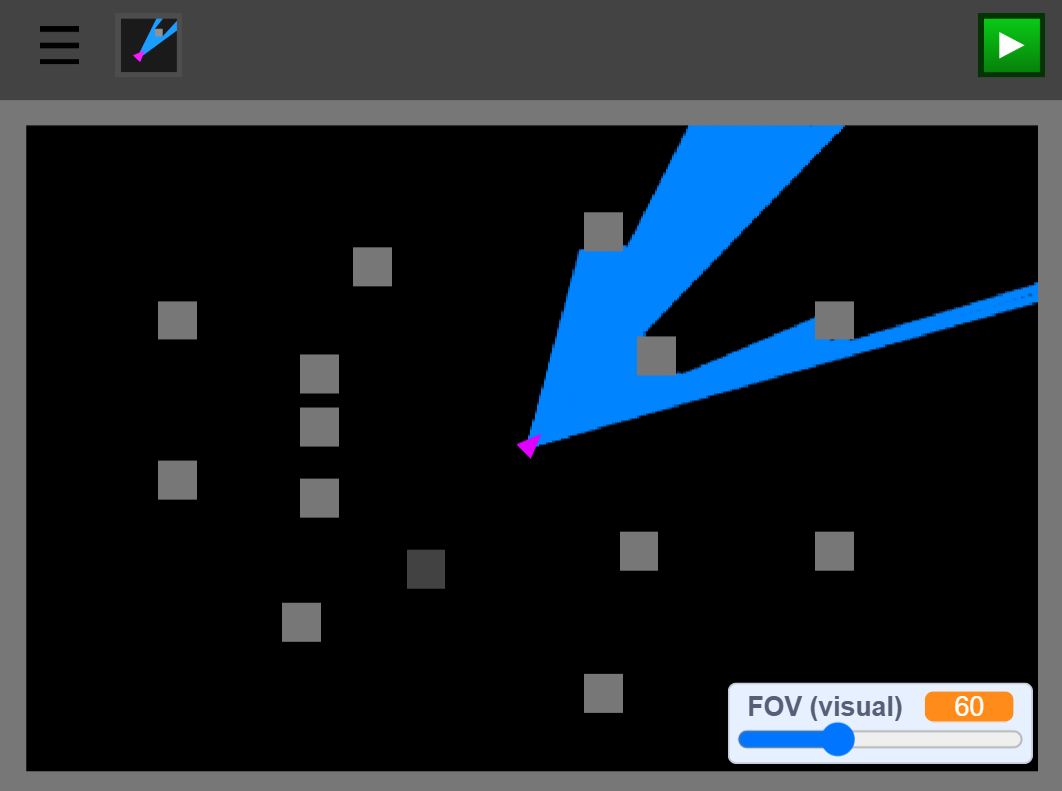
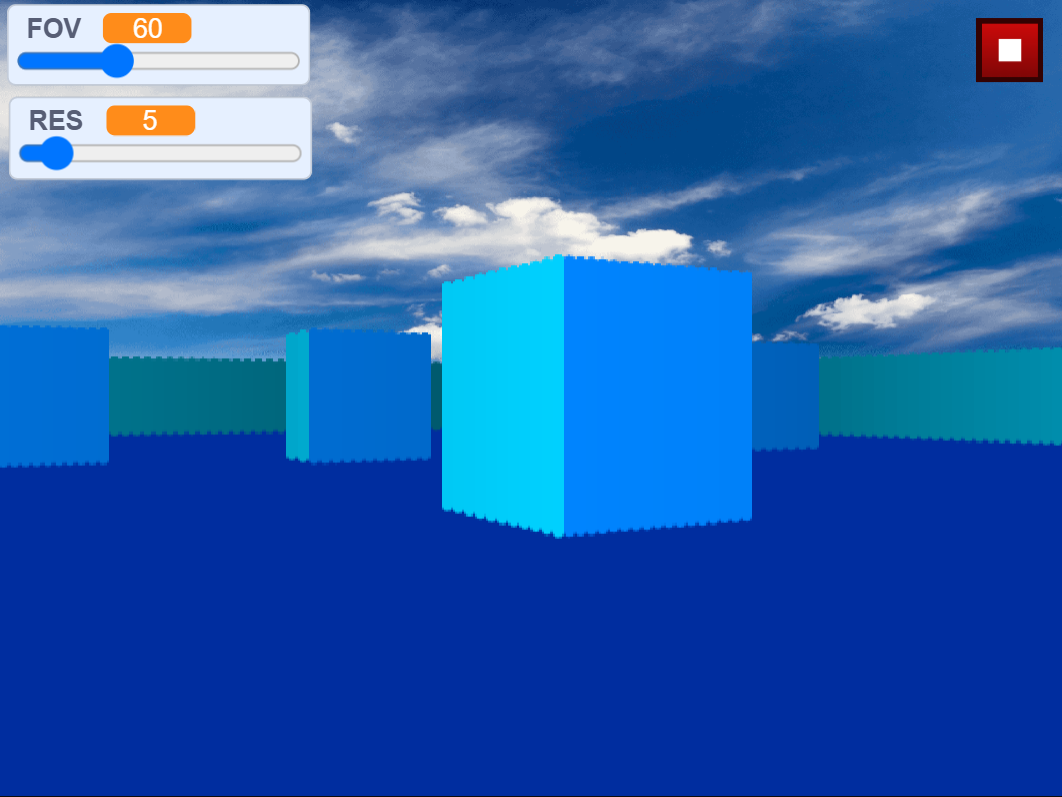
You can make a maze in this project and see it in 3D!
Instructions:
Click the start button to start the engine.
Click the tile to place it on the maze
Use your mouse to move the tike.
Press the ► button to see the preview
Press the ⏹ button to stop it
Use the left and right keys (or W and D) to move
Use the A and D keys to move the player (IDK what to describe this)
Press the visualize raycaster button to enable/disable the visual raycaster in the editor
Press the H key to delete a tile
Press the 1 key to switch the type of tile
Suggest some features if you want in the comments.
Scratch version:
Development log
- The Effects Update11 days ago
- Maze color added!31 days ago
Leave a comment
Log in with itch.io to leave a comment.